
Sell on WhatsApp & Instagram With Store Link | Momskart
⚡ Key Takeaways (TL;DR)
- Stop manually typing bank account numbers, following up for payment screenshots, and coordinating courier pickups on WhatsApp.
- Your personal Momskart digital store link enables professional online checkout via UPI, Cards, and Net Banking.
- Direct store-link orders enjoy a 0% Momskart platform fee (only standard 3% payment gateway fee + 18% GST on the fee applies).
- Doorstep courier pickup across 15,000+ pincodes and real-time tracking are automatically integrated into every store-link sale.
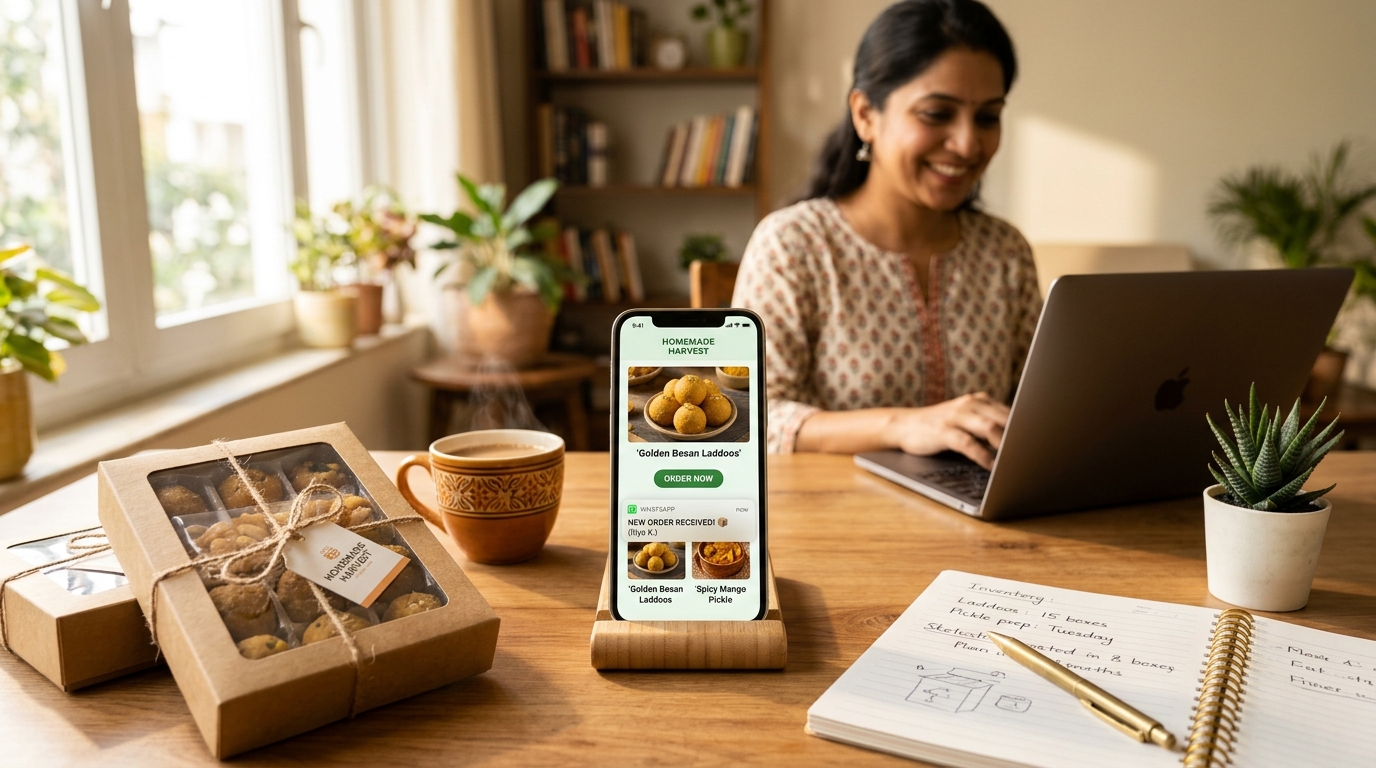
Many home chefs, crochet creators, and artisans already have loyal followings on Instagram and active WhatsApp broadcast lists. However, managing orders manually—answering endless "price please" messages, sharing UPI QR codes, confirming payments, and running to local courier shops—quickly becomes overwhelming. With your personal Momskart digital store link, you can turn social media inquiries into instant paid orders with zero platform commission and automated doorstep pickup.
1. The Hassle of Manual WhatsApp Selling vs. Digital Store Links
Selling manually through direct messages has severe hidden costs:
• Abandoned Inquiries: Customers lose interest when they have to wait hours for you to reply with prices and bank details.
• Payment Confusion: Verifying fake payment screenshots or matching generic ₹500 UPI credits to customer names wastes hours.
• Logistics Headaches: Standing in long queues at local courier branches to ship individual parcels.
With your Momskart store link, customers browse your digital catalog, select items, enter their delivery address, and pay securely online in 60 seconds.
2. 0% Platform Fee on Your Own Store Link Orders
We believe you should keep the full reward of your own audience. When you bring your own customers via your personal catalog link, Momskart charges 0% platform fee.
You only pay the standard 3% payment gateway processing fee (+18% GST on that fee only). Doorstep pickup via Momskart Miles remains fully available, and earnings settle every Wednesday into your bank account.
3. Where to Share Your Store Link for Maximum Orders
Put your digital catalog link to work across all your online touchpoints:
1. Instagram Bio: Add your store link in your profile bio ("Order authentic homemade pickles & crafts below ⬇️").
2. Instagram Stories & Reels: Share behind-the-scenes preparation videos and use the Instagram "Link" sticker leading directly to the product.
3. WhatsApp Business Profile: Set your store link as your business website and configure an automated greeting with the link.
4. WhatsApp Status & Groups: Post attractive photos with your direct order link so friends and family can order in one tap.
4. Automated Customer Invoicing and Delivery Tracking
As soon as a follower completes an order through your link, both you and the customer receive an instant WhatsApp confirmation with an itemized invoice. A delivery partner is scheduled to pick up the parcel from your doorstep, and real-time tracking links keep the buyer informed every step of the way.
Frequently Asked Questions
Do my customers need to download the Momskart app to buy from my link?
No. Your store link opens directly in any mobile web browser. Customers can complete checkout and pay via UPI or Card without installing any app.
Can I accept Cash on Delivery (COD) on store-link orders?
Yes. You can enable online payments or local cash on pickup depending on your store preferences.
How do I track my store-link sales and payouts?
All orders, customer details, and weekly Wednesday payouts are tracked live inside your Sell on Momskart seller app dashboard.
Can I sell outside my home city using my store link?
Yes. Momskart Miles handles doorstep pickup and delivery across 15,000+ pincodes in 25+ states across India.
Related Practical Guides
Launch Your Homemade Brand on Momskart Today
Zero listing fees, flat 5% platform fee, and doorstep courier pickup across 25+ Indian states.